A club ladder your players run themselves
ClimbTheLadder runs your tennis ladder in an app: players challenge each other, arrange their own matches and report their own scores, and the standings update themselves.
Your job, in three steps
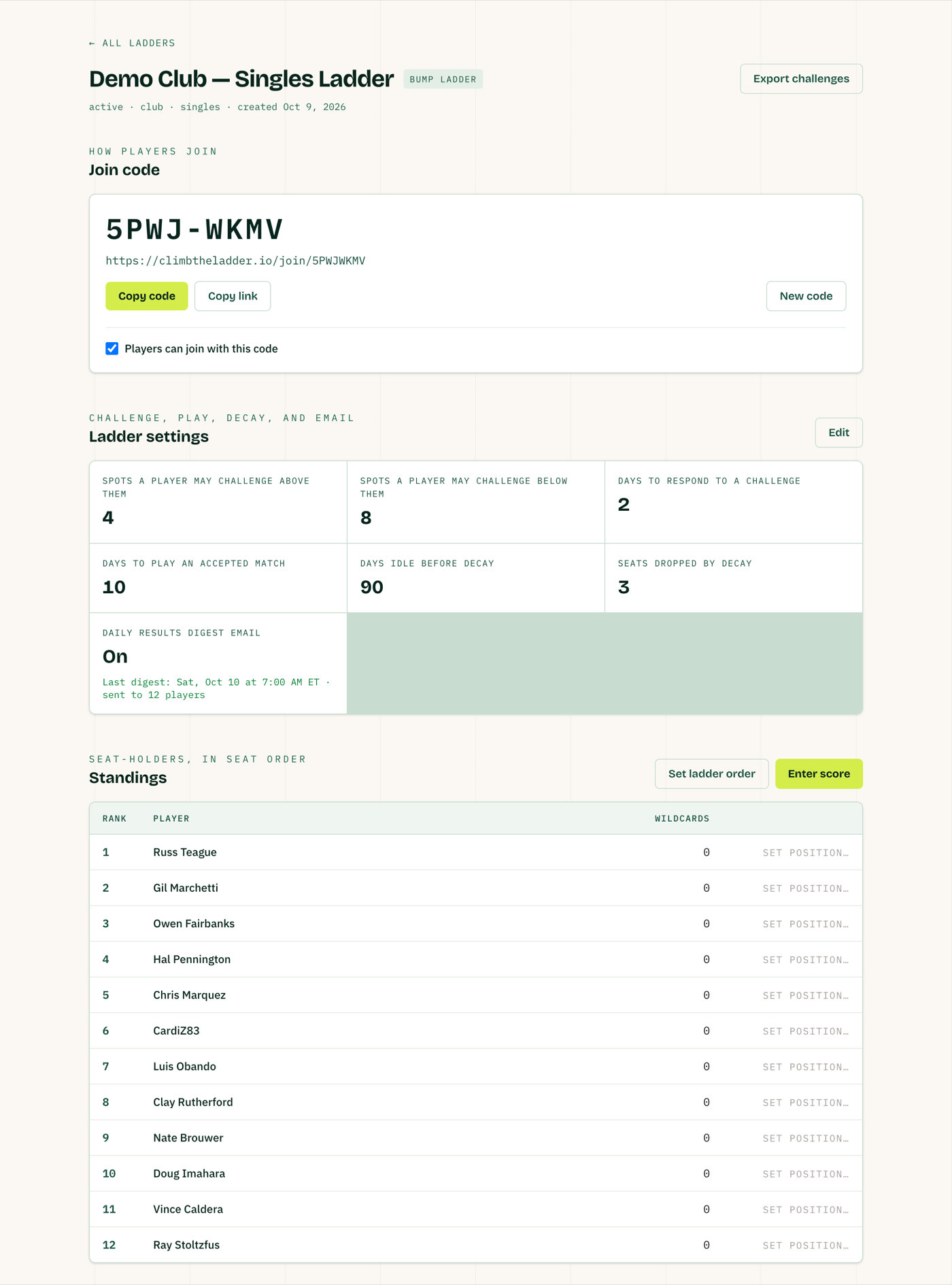
- Set up Fill in the set-up form: your ladder's name, its dates and a few settings. It takes about ten minutes.
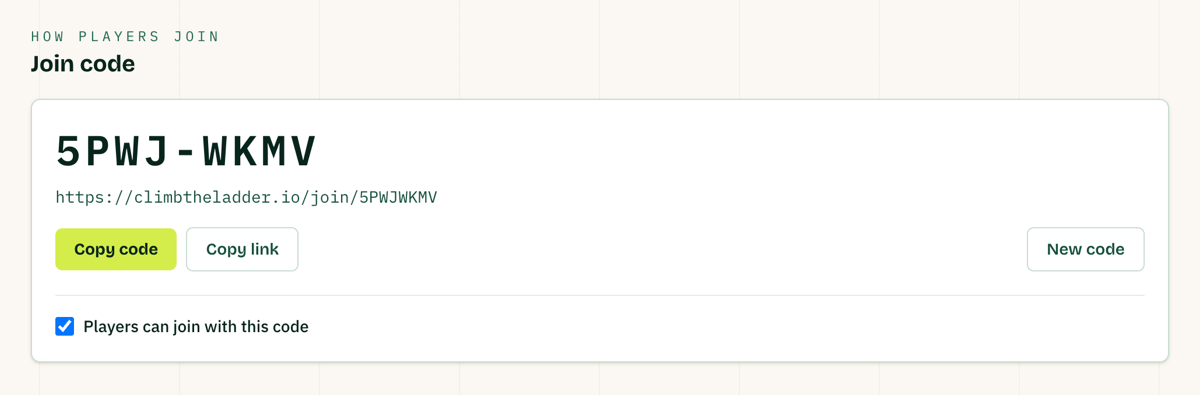
- Share the code We send you one link for your ladder. Forward it to your players, and each one who taps it is on the ladder.
- Done Players challenge each other, play and report their own scores. You get an email each morning with the results.
What players get
The standings, challenges and score reporting in one app, on their phone or in a web browser.
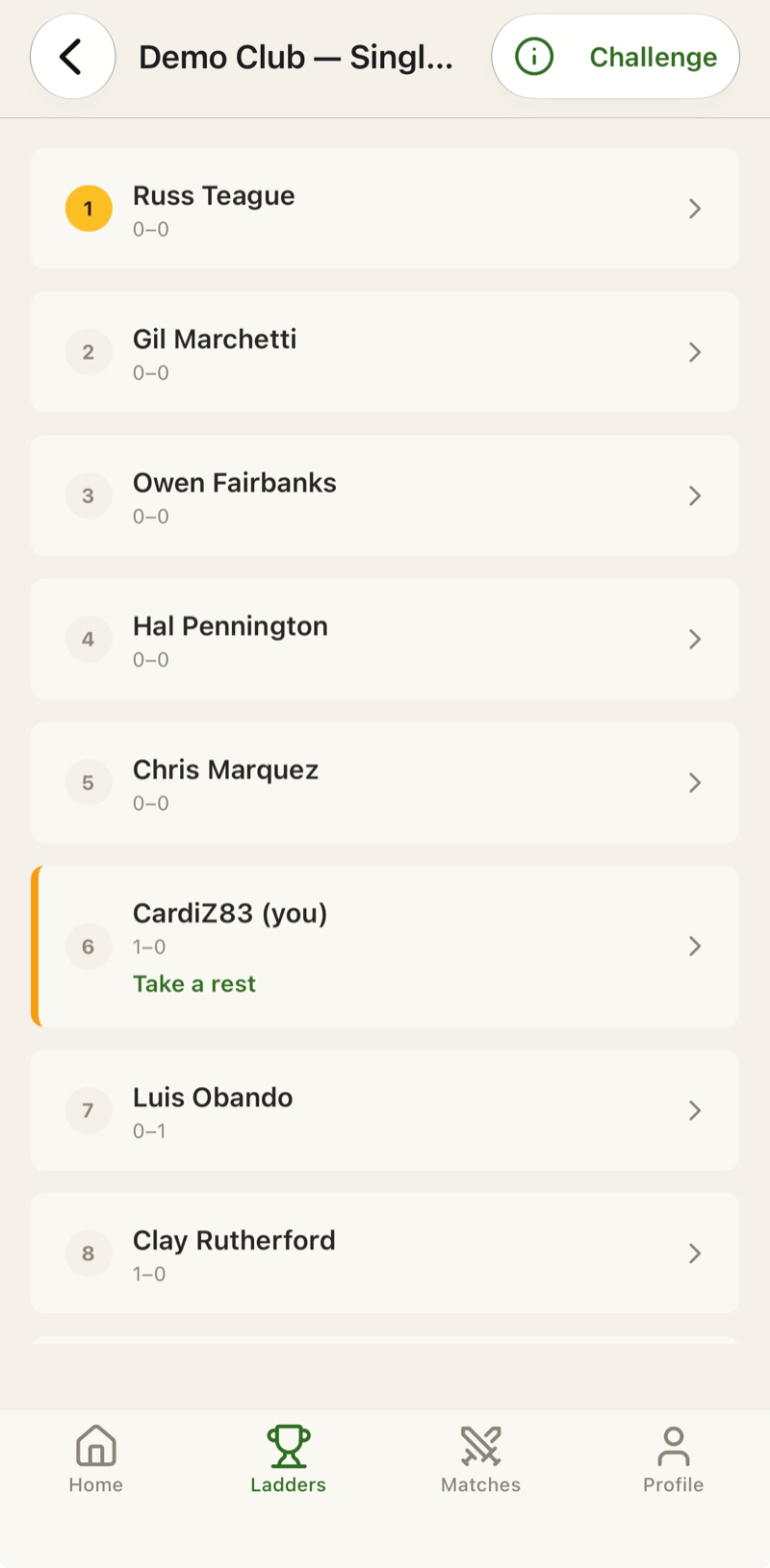
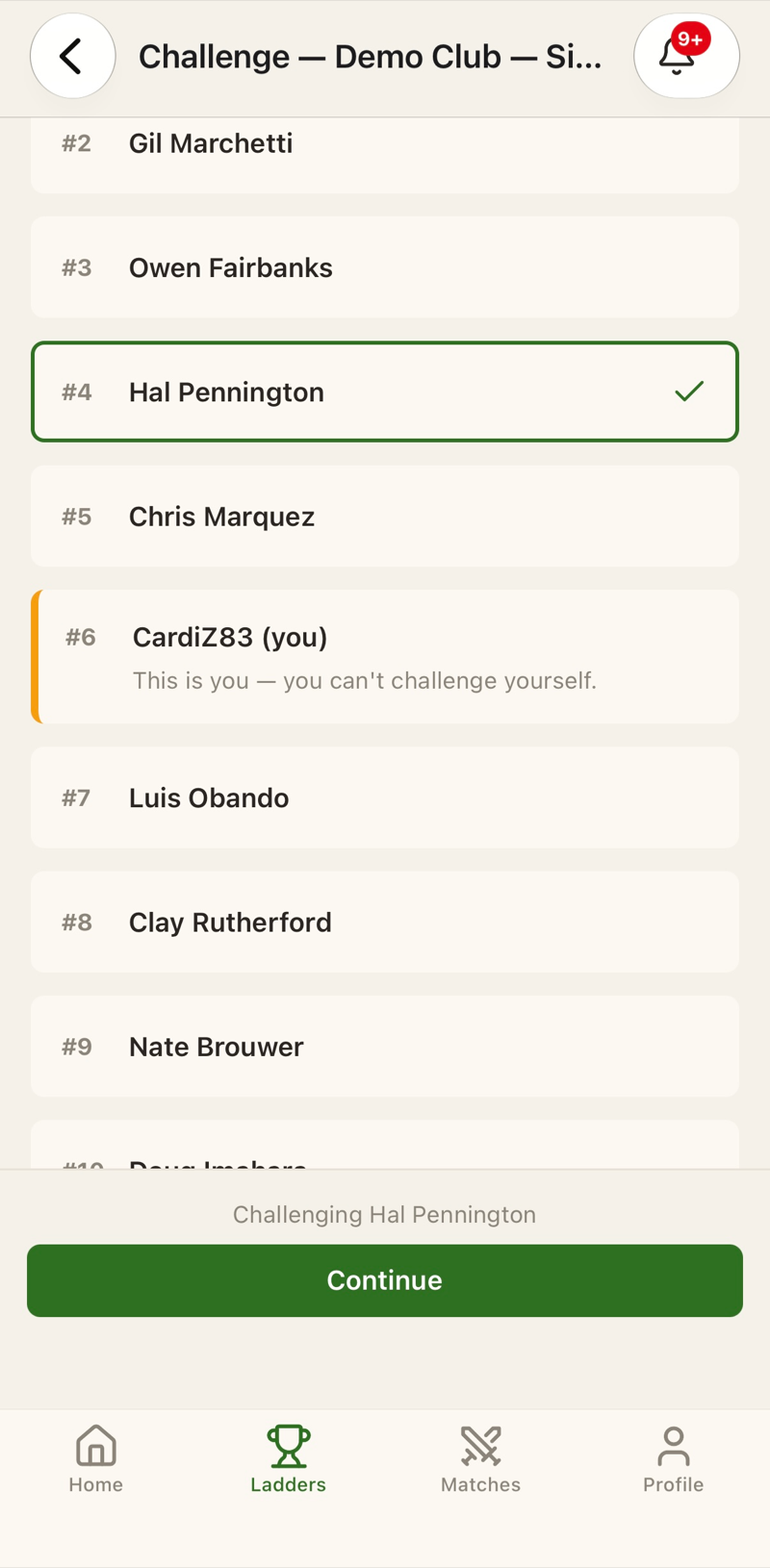
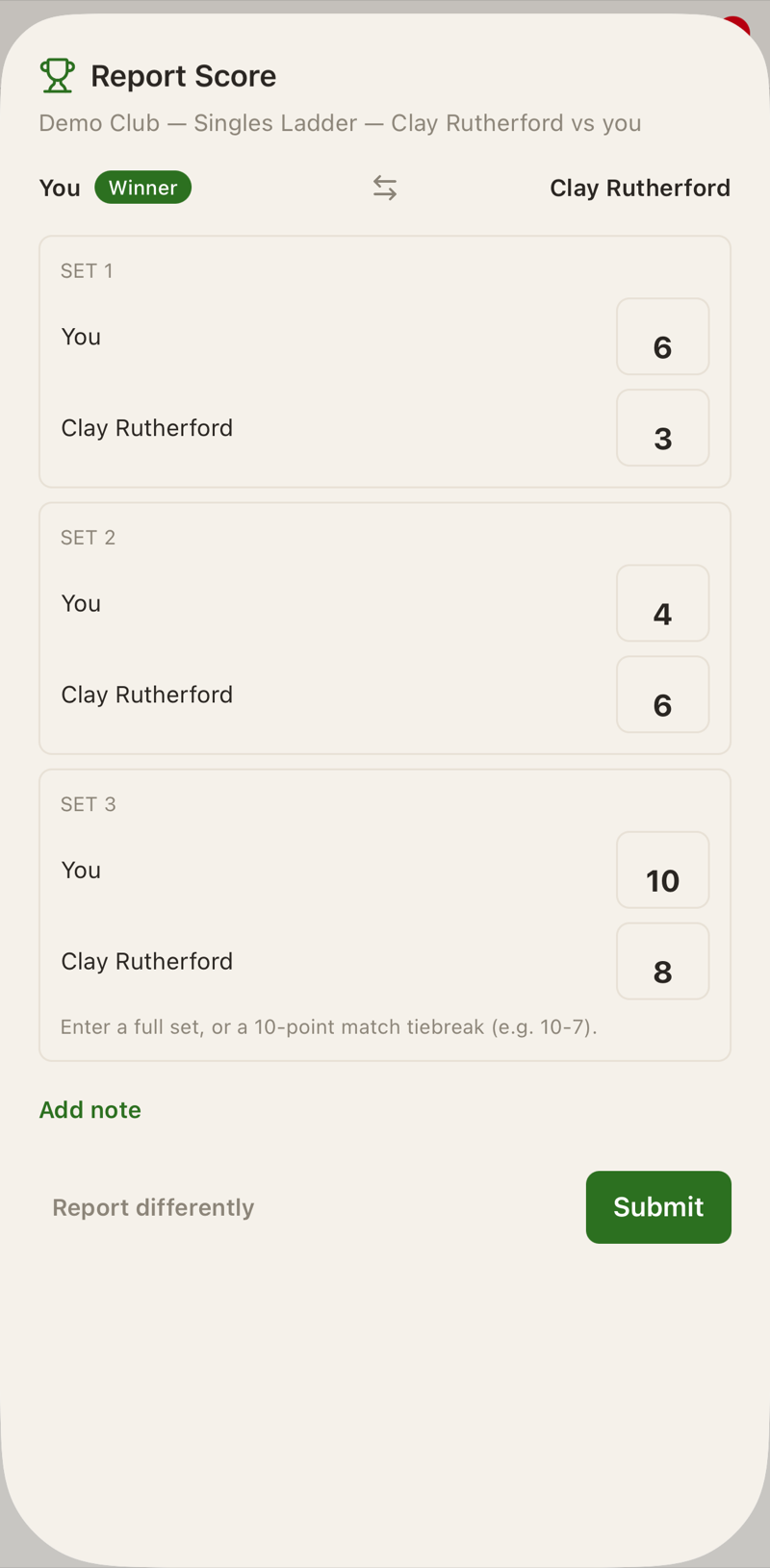
What you get
A page for your ladder in the organizer web app, and a results email each morning.
iPhone, Android or the web
-
iPhone:

- Android: install the app from climbtheladder.io/android.
- Web app: play from your browser at play.climbtheladder.io.
Frequently asked questions
What does it cost?
How do players join?
You share one link, climbtheladder.io/join/ followed by your ladder's code, from the Join code card on your ladder page. A player taps it, creates an account, and is on the ladder at the bottom seat. You can also add a player by email, or invite one by email.
What do I have to do during the season?
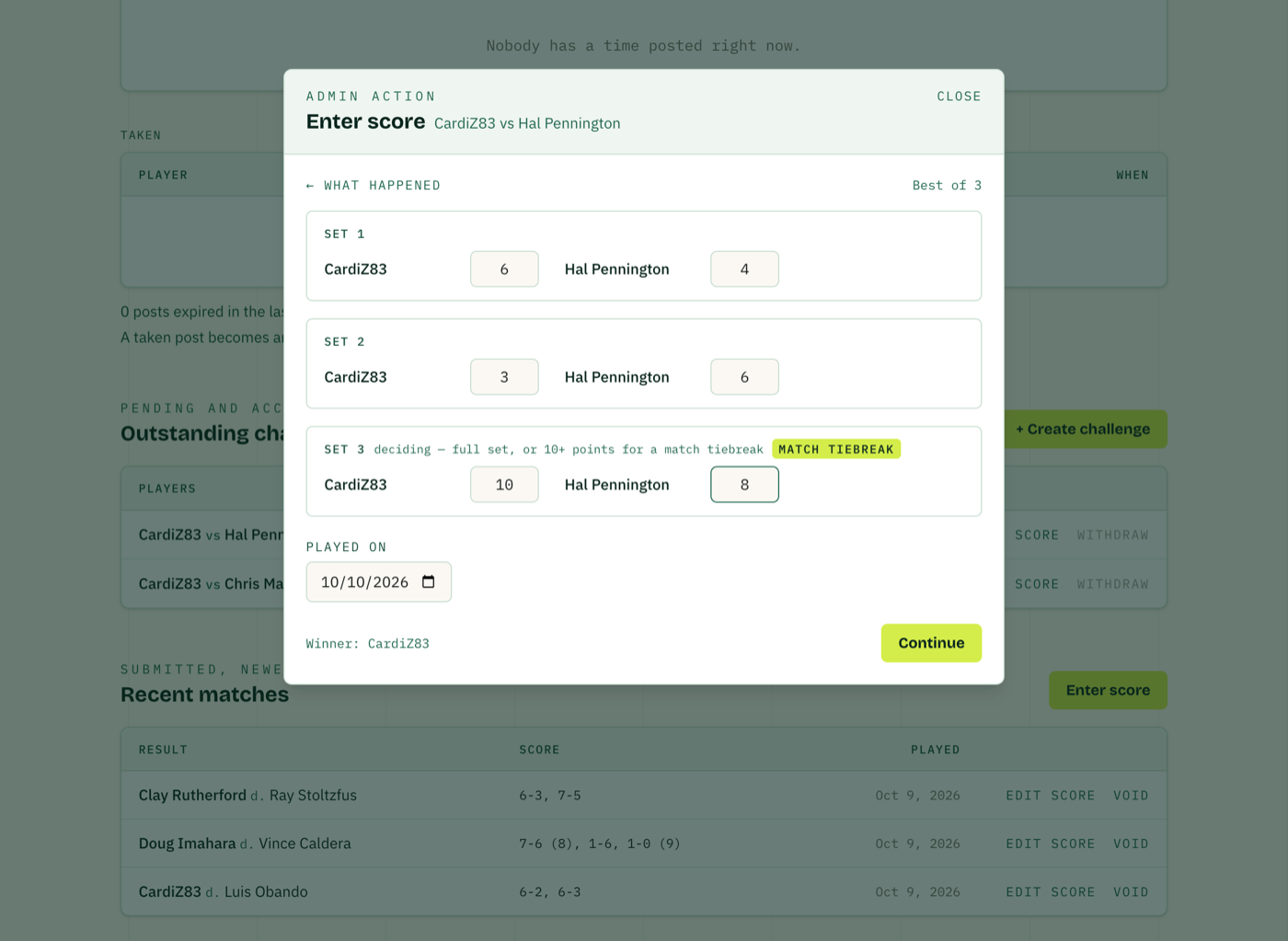
Nearly nothing. You get a results email each morning, and you enter a score only if two players ask you to.
How do challenges work?
A player may challenge anyone within a set number of spots above or below them. The challenged player has a set number of days to reply. Once a challenge is accepted, the two have a set number of days to play. A player who goes too long without playing a match drops a few seats. You choose each of these numbers on the set-up form.
Can I set the starting order?
Yes. Players can take their seats in the order they join, or you can set the order yourself before play starts.
What about players who don't want an app?
They don't need one. Anyone can play in a web browser at play.climbtheladder.io, with nothing to install.
Can players see each other's contact details?
Yes. The app shares a player's phone number and email with the other players on their ladder so they can arrange matches.
Does the app text anyone?
No. The app contacts players by email and push notification only; it sends no text messages.
Does it run doubles ladders?
ClimbTheLadder supports singles ladders today. Doubles ladders are coming in early 2027.